In our work running unlimited Webflow design and development support for founders and agencies across the UK, Europe, and Asia, we've found that platform shifts like this one change what "fast" actually means for a client launch.
This year's conference is the clearest signal yet that Webflow is positioning itself as an operating system for shipping digital products with agents doing real production work.
Here's what was announced, what it means if you're evaluating Webflow for the first time, and what it means if you're already on it and weighing whether to lean into agentic workflows.
What Webflow announced at the conference
Webflow's 2026 announcements center on connecting visual development, marketing production, and AI agents inside a single workspace, rather than treating them as separate tools bolted together.
The headline release, Source by Webflow, was shown in limited research preview as a new environment linking codebases and martech stacks so that agentic workflows and visual development share the same foundation.
The full announcement list breaks down like this:
- Source by Webflow: connects your codebase and marketing stack in one environment, currently in limited research preview.
- Campaigns: lets performance marketers go from brief to live landing pages, personalised variants, and matched ad creative in hours instead of days.
- Assets: an agentic creative production tool built on technology Webflow acquired from Vidoso earlier in 2026, generating and adapting on-brand creative automatically.
- MCP updates: expanded agent access to Webflow itself, including GSAP-powered interactions, deeper CMS querying, and deploy support for Webflow Cloud.
- Releases: a new way to ship large changes by branching an entire site (pages, CMS content, components, assets, locales) and publishing it all together.
- Content agents in Webflow AEO: agents scan for topics where competitors are getting cited instead of you, then draft original CMS content to close the gap.
- Agent Instructions: instructions for agents are now generated automatically from context already on the site, rather than written from scratch.
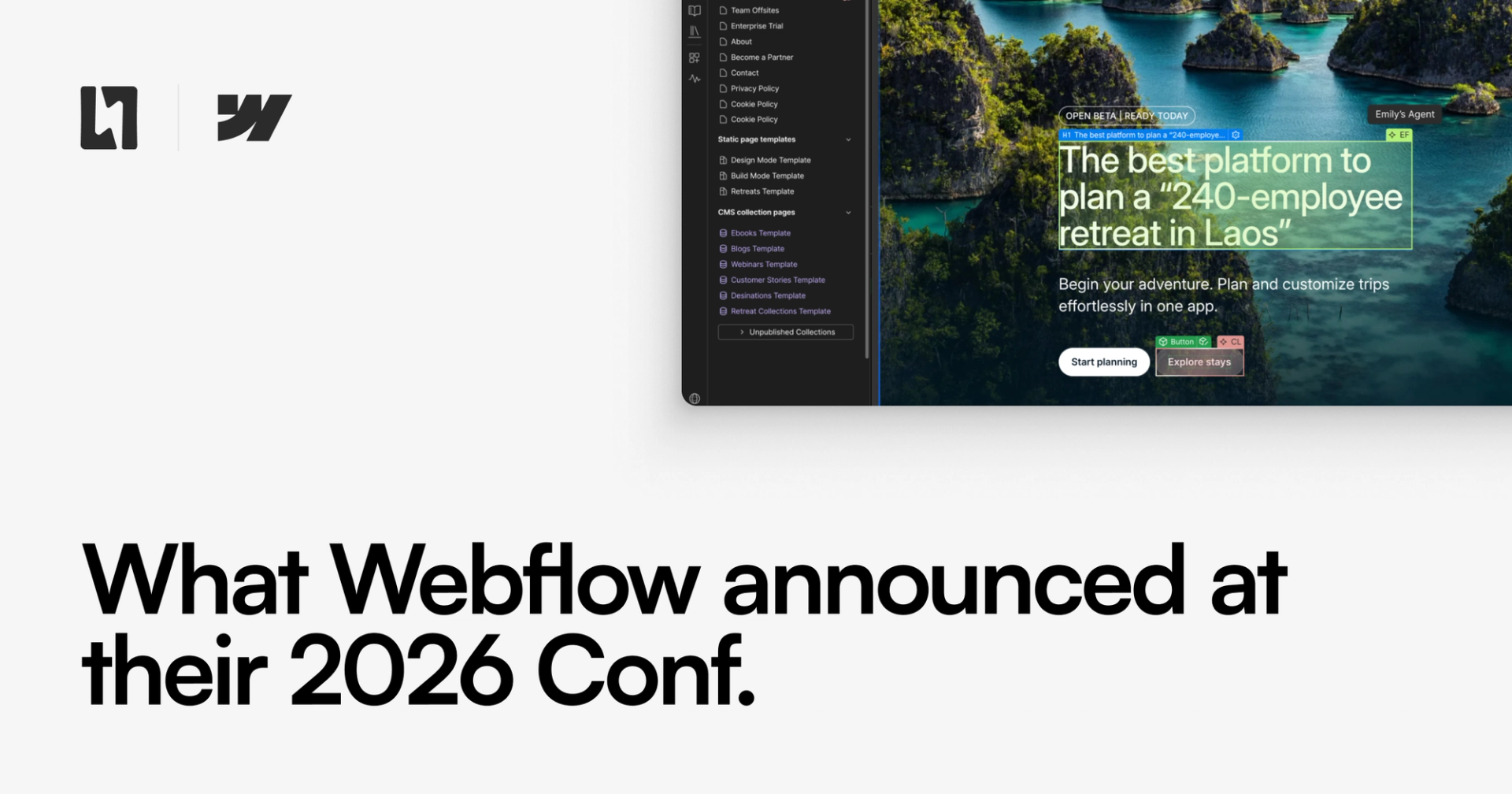
- Agent Presence: you can see agents working live on the canvas alongside your team, the same way you'd see a teammate's cursor.
Webflow is building the connective tissue between marketing production, engineering, and AI agents, so a team can move from idea to live page without switching tools or waiting on a developer queue.
The builder keynote: what changes in the editor
The builder keynote focused on concrete, hands-on additions for people who build inside Webflow daily. New capabilities include popovers, default components for slots, agentic translation, and style props for components, alongside a batch of usability improvements.
Webflow also called out recent work on performance, on-canvas spacing controls, a dedicated canvas view for components, pan and zoom, component visibility controls, slot restrictions, and improvements to Localize.
None of these are individually dramatic, but they matter for teams doing serious component-driven builds where consistency and speed compound over dozens of pages.
When we build client sites in Webflow, the friction points are almost always in component management and localisation, exactly the areas this keynote addressed. Improvements here shorten the gap between a first draft and a production-ready, multi-locale site, which is the part of the process that usually eats the most hours on a subscription engagement.
Why this matters if you're considering a move to Webflow
Webflow's 2026 direction matters most for teams that want to launch fast and don't want to staff a full in-house product function to do it. The platform is explicitly building for the founder or agency that needs senior-level execution on demand rather than a permanent engineering headcount.
If you're a founder comparing Webflow against a custom-built stack, the calculus has shifted. Campaigns collapsing the brief-to-live-page timeline to hours, and Releases making full-site branching possible before publishing, both address the two things that traditionally scared teams away from no-code: production speed for growth campaigns, and safe change management for larger sites.
If you're an agency managing multiple client sites, Agent Presence and auto-generated Agent Instructions reduce the coordination tax of running several Webflow builds in parallel. You can see what an agent changed, when, and why, without digging through version history. We've shipped multi-client Webflow programs where that kind of visibility would have saved hours of Slack threads.
Why this matters if you're already considering agentic workflows
The clearest shift in Webflow's 2026 roadmap is that agentic workflows are now a first-class part of the product, not a side experiment. MCP updates giving agents deeper CMS querying and Webflow Cloud deploy access mean agents can do more than draft content, they can push real changes to a live environment under the right guardrails.
That's a meaningful jump. A year ago, "AI in Webflow" mostly meant copy suggestions and layout assistance. Now it means agents drafting AEO-targeted content based on where competitors are being cited instead of you, generating creative variants through Assets, and working visibly on the canvas alongside a human team.
For teams already running agentic workflows as part of their product build, this closes a lot of the manual handoff work that used to sit between "agent suggests" and "agent ships."
Our take, based on running ongoing Webflow subscriptions rather than one-off builds: the value of agentic features scales with how often you're shipping. A static marketing site touched twice a year won't feel much difference. A product team iterating weekly, or an agency running campaigns across a dozen client sites, will feel the compounding time savings almost immediately. That's the audience Webflow is clearly building Source, Campaigns, and Releases for.
What to watch before you commit
Source by Webflow is still in limited research preview, which means it isn't broadly available yet and its final feature set could shift before general release. Don't restructure a launch plan around it today. Instead, treat the underlying direction (agents embedded in the build and publish pipeline) as the trend to plan around, and adopt the shipped features (Campaigns, Releases, the MCP updates, the builder keynote additions) as they become generally available.
Additionally, we don't have an idea of pricing for Source yet. We anticipate this will be the tool most teams move to going forwards, but without knowing the price for access and usage we can't recommend planning to build on it if you're not an established company with a serious marketing budget.
If you're weighing a full move to Webflow, we've written previously about what a Webflow development subscription actually includes and why teams switch to an unlimited Webflow subscription instead of hiring in-house. Both are worth reading alongside this announcement roundup, since the agentic features only pay off when paired with someone who knows how to configure and govern them properly.
Webflow Conf 2026's real message is that shipping fast and using agents well are becoming the same skill, not two separate ones. Once you see it that way, the platform choice stops being about templates or hosting and starts being about who can operate the agentic tooling competently on your behalf. If you want a senior team already fluent in Webflow's new agent features running your next build, get started with our unlimited Webflow support and we'll scope it against what was just announced.
Frequently asked questions
Is Webflow open source?
No, Webflow is not open source. It's a proprietary, closed-source SaaS platform with its own visual builder, hosting, and CMS. "Source" in Source by Webflow refers to the new agentic platform environment announced at Webflow Conf 2026, not to open-source code, and it doesn't change Webflow's proprietary licensing model.
Is Webflow better than WordPress?
Neither platform wins universally, it depends on your team and goals. Webflow suits teams that want visual, code-free control with clean output and, as of 2026, deeper agentic automation for content and campaigns. WordPress suits teams needing a massive plugin ecosystem or highly custom backend logic. For founders and agencies prioritizing launch speed without a dev team, Webflow's 2026 direction makes it the stronger fit.
Should we switch to Webflow, or go for a custom stack?
Due to agentic workflows becoming more popular, lots of people are moving from tools like Webflow and Framer to their own custom stacks, supported by tools like Codex and Claude Code.
We recently moved our own site to a custom stack, and saw a noticeable payoff in development speed, cost and performance.
Ultimately, the decision is down to a few things:
- How important is it that your marketing team can build on the canvas, without needing a developer?
- Are you often performing repetitive, manual tasks to maintain your site?
- Do you need more control over what stack your site uses, and where it's hosted?
If you want your marketing team to have more instant control, Webflow and Source are still excellent options, especially with the recent updates made to the core Webflow product.
However, if you are looking to significantly speed up releases, have more control and explore ideas quickly, a custom stack could be a better way forward, and we can help with that.
What are the latest updates to Webflow?
The latest major updates, announced at Webflow Conf 2026, include Source by Webflow (an agentic build environment), Campaigns for fast landing page production, Assets for automated creative generation, expanded MCP agent access, Releases for full-site branching, and new AI agent features like Agent Presence and auto-generated Agent Instructions.
Is Webflow still the best choice in 2026?
It depends, but Webflow is still a great option, and the 2026 announcements make it more relevant than ever. As Webflow adds agentic features like Campaigns, Releases, and MCP-driven automation, it'll unlock new, faster workflows that weren't possible before.
Framer remains a valid alternative as they continue to build for designers and add their own agentic workflows to the process.
A custom stack is also becoming a more serious option, as tools like Codex and Claude Code make it easier to build and maintain a custom codebase than ever before.
What big websites use Webflow?
Webflow is widely used by startups, agencies, and marketing teams for product sites, campaign pages, and content-driven builds, spanning sectors from SaaS to media. Rather than one dominant industry, its user base skews toward teams that need fast iteration and senior design quality without a large in-house engineering team, exactly the profile Webflow's 2026 agentic features are built to serve.